June 20, 2026 · Rayen
What Auto Apply for Jobs Gets Right and Wrong
What auto apply for jobs gets right and wrong in 2026: speed without spray-and-pray, plus how ApplyForMe automates job matching, tailoring, and tracking.
Auto apply for jobs sounds like a cheat code. Point a tool at a job board, let it rip through listings, and wake up to a inbox full of "application submitted" confirmations. Some days that is exactly what you need. Other days it is how you end up with forty versions of the same resume floating around and zero interviews.
The tools are not magic, and they are not evil either. They are workflow software. Used well, they handle the repetitive parts of a search: finding fresh roles, filling forms, tailoring materials, logging what went where. Used badly, they turn your search into spray-and-pray at machine speed.
This post is an honest look at what auto apply gets right, where it breaks down, and how to set guardrails so automation helps you instead of burying you.
What people mean by "auto apply for jobs"
There is no single product category here. "Auto apply" usually means one of these:
| Type | What it does | Typical strength | Typical weakness |
|---|---|---|---|
| One-click / Easy Apply | Submits a stored profile through LinkedIn, Indeed, or similar | Fast for roles that accept a base resume | Little tailoring; easy to over-apply |
| Browser automation | Fills employer career-site forms field by field | Works on company portals | Breaks when sites change; CAPTCHA and login walls |
| Matching + queue tools | Finds roles, scores fit, prepares tailored materials, submits with review | Better targeting and tracking | Still needs your judgment on fit and facts |
| DIY automation (Zapier, n8n, scripts) | Custom pipelines for scraping, rewriting, emailing | Maximum control | You own every failure mode |
ApplyForMe sits mostly in the third lane: match roles worth your time, adapt resumes honestly, submit applications, and keep the pipeline visible. The point is not to remove you from the process. It is to stop you from retyping your work history for the fifteenth time this week.
What auto apply gets right
1) It kills the busywork that nobody gets hired for
Nobody was ever rejected because they failed to copy-paste their address into a Workday form for the ninth time. The hiring decision happens later, in screening and interviews. But the path to that decision is littered with repetitive clicks.
Batching discovery, form fills, and status logging frees hours for work that actually moves the needle: choosing targets, tightening proof points, preparing for calls. That matches the structure we outlined in how to get a job faster without burning out: separate discovery, tailoring, follow-up, and review into focused blocks instead of one endless loop.
2) Good matching beats blind volume
The best auto apply setups filter before they submit. A logistics manager posting when you are a software engineer should not make it into your queue just because the keyword "manager" appeared somewhere.
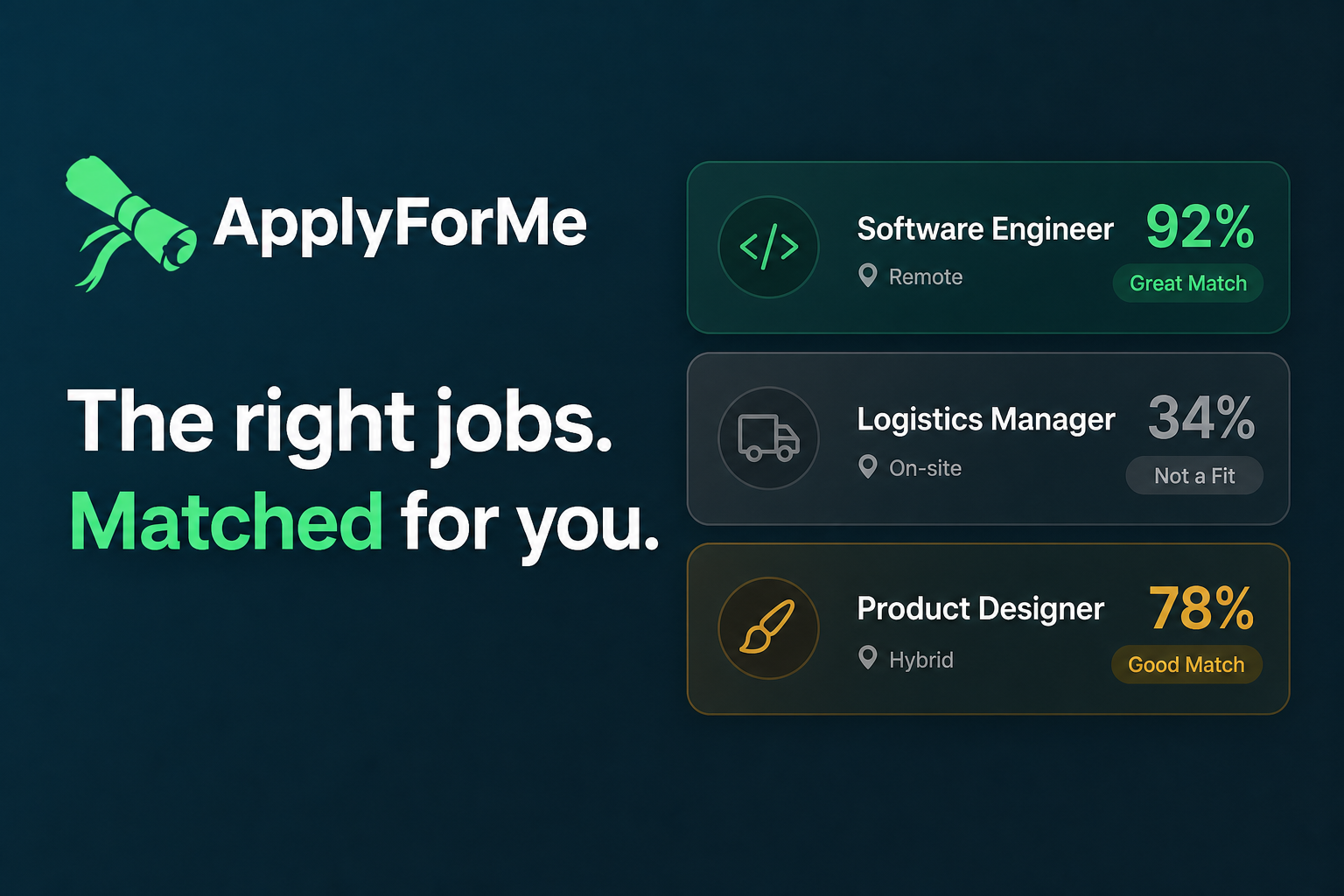
Fit scoring is the difference between automation as a time saver and automation as a spam cannon. When a tool surfaces a 92% match and quietly deprioritizes a 34% match, you spend effort where it is plausible. That is the job of the matching layer, not the apply button.
3) Tailoring at scale is real if you keep humans in the loop
Recruiters can spot a generic resume quickly. Monster's 2026 Job Application Behavior Report, based on a survey of 1,006 U.S. job seekers, found that 45% say applicant tracking systems make them more likely to send many applications, and nearly half describe a spray-and-pray pattern rather than targeting specific roles.
The counter-move is not to abandon tools. It is to use them for focused edits, not wholesale invention. Reorder bullets, mirror the posting's language for responsibilities you actually have, and verify every line. Our guides on how to tailor a resume to a job posting and the ATS resume checklist cover that workflow in detail.
Independent analyses of large application datasets in 2025 have reported higher conversion for tailored submissions versus generic ones (often cited around 3.7% vs 5.8% in community research threads). Exact numbers vary by industry and seniority. The direction is consistent: alignment beats volume.
4) Tracking is half the product
Auto apply without a ledger is just chaos with extra steps. You need to know which resume version went where, which roles need a follow-up, and which threads belong to which company.
Once you are past a dozen active applications, spreadsheets get brittle. A unified pipeline, stages, and next actions matter more than raw submission count. See how to track job applications for the fields worth capturing from day one.
5) Speed helps on fresh, high-fit postings
For roles where you are genuinely competitive, applying while the listing is still warm matters. Automation can shorten the gap between "this looks like a fit" and "materials submitted," as long as the tailoring pass still happens.
That is especially useful when you are employed and searching on the margins. You do not have six hours on a Tuesday to manually navigate three different ATS portals.
What auto apply gets wrong
1) It amplifies bad targeting
If your search criteria are too broad, automation does not fix that. It industrializes it. Monster's survey also noted that 25% of job seekers now apply to any role that seems remotely possible, and more than half have changed strategy because they are not hearing back.
A tool that submits fifty applications a day is not helping if forty of those roles were never realistic. You just get fifty silence notifications instead of five.
2) It can lie on your behalf if you let it
AI-assisted resume rewriting is useful for phrasing. It is dangerous for facts. Titles, dates, tools, and metrics must come from you. Background checks and interviews will expose gaps fast.
The same caution applies to cover letters. When AI cover letters help and when they hurt comes down to one test: if you can swap the company name and the letter still works, it is too generic to send.
3) Easy Apply is not the same as a strong application
LinkedIn Easy Apply and similar shortcuts are built for throughput on the platform's terms. They are fine for standard-lane roles where your base profile is close enough. They are a weak choice for priority targets where you want a tailored resume, a short note, and maybe a referral path.
Treat one-click flows as low-effort lane, not your entire strategy.
4) Browser automation is fragile
Career sites change layouts, add verification steps, and break scripts. Login sessions expire. Some employers explicitly prohibit automated submission in their terms. DIY scraper pipelines also run into anti-bot defenses on major job boards, which is why many builders outsource scraping rather than maintaining it themselves.
If your auto apply setup needs constant babysitting, you have not saved time. You have added a second job.
5) It cannot verify that a listing is real
Automation is blind to ghost jobs and stale listings. It will happily apply to a posting that has been sitting open for four months with no active recruiter behind it. Matching and filtering reduce waste, but you still need a quick viability check on priority roles: Does the job appear on the employer's careers page? Is there a human signal you can find?
6) Volume can tank your morale
Monster reported that 76% of job seekers say they would apply more selectively if employers provided feedback during hiring. Silence pushes people toward more applications, which creates more silence. Auto apply can accelerate that spiral if you measure success by submissions instead of conversations.
A guardrailed auto apply system that actually works
Think in lanes, not in totals. This mirrors the three-lane model from our burnout guide:
| Lane | Auto apply role | Your role |
|---|---|---|
| Priority (high fit) | Prepare tailored resume draft; queue submission after your review | Approve materials, add human signal (referral, short note), set follow-up |
| Standard (good fit) | Submit with focused edits from a master resume | Spot-check top third of resume; track next action |
| Watchlist (unclear or weak fit) | Save and monitor only; do not auto-submit | Revisit if new signal appears |
Set a weekly cap on auto-submitted applications, not a daily minimum. If response rate drops or you feel rushed, cut volume before cutting sleep.
Require a review step for anything that leaves your name on it. Drafting can be automated; approval should not be.
Log a one-line "why I believe this is live" note on priority targets: source, date checked, next human touchpoint. When that field is hard to fill, downgrade the role.
Measure outcomes, not activity. Track response rate, screen-to-interview conversion, and your energy score weekly. If priority applications outperform spray submissions, act on that.
For cadence and sustainability, pair this with a sustainable job search rhythm so automation supports consistency instead of replacing rest.
When auto apply is worth it (and when to skip it)
Worth it when:
- You have a clear target profile (titles, skills, constraints)
- The tool filters by fit, not just keywords
- You review tailored materials before submission
- Tracking and follow-ups are built in
- You are batching standard-lane roles to protect time for priority ones
Skip or downgrade when:
- You cannot explain why a role is in your queue
- The tool invents or exaggerates experience without pushback
- You are applying to "anything remote" out of panic
- You have no system for versions, stages, or next actions
- Priority roles deserve referral outreach, not a one-click blast
Where ApplyForMe fits
ApplyForMe is built around the parts of auto apply that hold up under scrutiny: smart matching, honest resume adaptation, real portal submission, and pipeline visibility in one dashboard.
It is not designed to make you apply to everything. It is designed to shrink the gap between finding a plausible role and submitting credible materials, while keeping you in control of what gets sent.
You still choose targets, approve tailored resumes, and decide which opportunities deserve extra effort. The platform handles the repetitive loop that burns people out when done by hand across six tabs and four job boards.
If your search feels like manual data entry with occasional hope, join the ApplyForMe beta and test a system where auto apply means matched, reviewed, and tracked, not spray and pray at scale.
Frequently asked questions
Is auto apply for jobs cheating?
No, as long as the information submitted is accurate and you follow each employer's instructions. Automation is a workflow choice, like using a calendar reminder for follow-ups. Misrepresenting skills or experience is the problem, not the tool.
How many jobs should I auto apply to per week?
There is no universal number. A practical range for many mid-career seekers is a handful of priority applications plus a smaller set of standard-lane submissions you can review without rushing. If quality slips, reduce volume before adding more tools.
Does auto apply hurt my chances with ATS systems?
ATS filters care about relevance and formatting, not whether a human clicked every field. Poor fit, keyword stuffing, and inconsistent employment data hurt you. A well-tailored auto-submitted application is usually better than a rushed manual one.
Can I use auto apply while employed?
Yes, and that is a common use case. Batch discovery and submissions in defined windows, keep priority roles in a review queue, and protect interview prep time so you are not caught flat-footed when a recruiter calls.
What is the biggest mistake people make with auto apply tools?
Optimizing for submission count instead of conversation count. Monster's data shows many seekers increase volume when they do not hear back. Better matching, selective targeting, and follow-through usually beat another twenty generic applications.
Sources
- Monster, Job Application Behavior Report (survey of 1,006 U.S. job seekers, March 2026) — https://www.monster.com/career-advice/research/job-application-behavior-report
- AllWork.Space summary of Monster spray-and-pray findings (April 2026) — https://allwork.space/2026/04/nearly-half-of-job-seekers-admit-to-spray-and-pray-job-applications/
- Community analysis of application conversion rates (generic vs tailored submissions, 2025 dataset) — https://www.reddit.com/r/jobhunting/comments/1qqipcb/i_analyzed_16_million_job_applications_from_2025/
Ready to auto apply without losing control? Join the ApplyForMe beta and let your career copilot handle matching, tailoring, and tracking while you focus on the roles that matter.